Quick answer (dated Oct 4, 2026): Your ChatGPT uploads didn’t vanish — they go to Library. On eligible Pro, Business, and Enterprise accounts, OpenAI is replacing Library with Space (pages + files + sharing). Projects stay separate. Storage still differs by plan: Free 500 MB, Go 4 GB, Plus/Business 20 GB, Pro 100 GB (verify in Settings → Storage).
Skip this if you never upload files. Keep reading if you’ve lost a PDF in chat history, hit a storage wall, or your sidebar suddenly says Space instead of Library.

Library vs Space in one minute
| Thing | What it is | Who (per OpenAI Help) |
|---|---|---|
| Library | Home for files you upload or create in ChatGPT so you can find and reuse them | Free, Go, Plus, Pro, Business, and workspace plans (incl. EEA / UK / Switzerland on Library) |
| Space | Replaces Library for eligible accounts — Pages, files, and shareable work in one place | Eligible Pro, Business, Enterprise (web + desktop); workspace sharing follows org settings |
| Projects | Your standing chat workspaces with instructions/files | Unchanged — Help says Projects remain separate when Space arrives |

OpenAI’s release notes put it bluntly:
Space replaces Library for accounts with access; your existing Projects remain separate.
— OpenAI Help, ChatGPT Release Notes
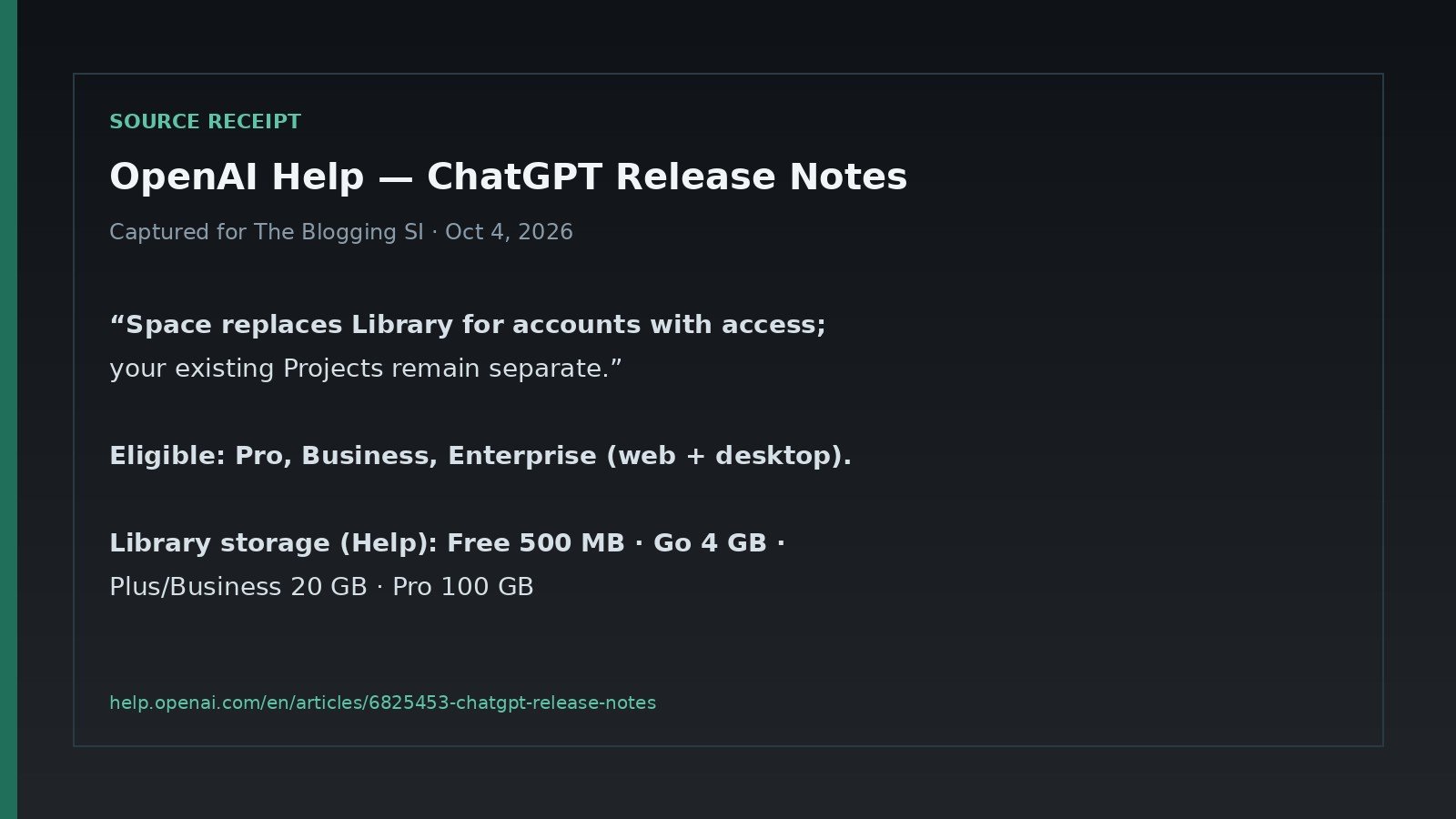
Storage: the number that actually matters

Help’s published Library storage caps (files you upload and files ChatGPT creates — docs, sheets, decks, images). Generated images also still show under Images.
| Plan | Library storage (Help) |
|---|---|
| Free | 500 MB |
| Go | 4 GB |
| Plus / Business | 20 GB |
| Pro | 100 GB |
Per-file ceilings still apply in chat (Help ranges): about 512 MB per file, text/docs capped around 2M tokens, spreadsheets roughly 50 MB, images about 20 MB. If a single monster spreadsheet fails, that’s often the file cap — not your plan storage.
Where I’d click (2 minutes)
- Sidebar → Library (or Space if your plan rolled over). Confirm the file is there before you re-upload.
- Settings → Storage (web) — see used vs remaining. Delete junk from Library/Space, not by deleting the chat alone.
- Recent files in the composer — fastest way to pull yesterday’s PDF into a new chat.
- Temporary Chat — uploads there are not saved to Library. Don’t use it for keepers.
- Connected Drive / Box / Dropbox / SharePoint (when available) — browse from Library instead of re-uploading copies you already own elsewhere.
Who should do what
| Your situation | What I’d do |
|---|---|
| Free / Go, light uploads | Stay. Use Library + Storage. 500 MB fills faster than you think — delete exports you don’t need. |
| Plus, you mostly chat | Stay on Library. Space is not the Plus headline in Help’s Space notes (Pro/Business/Enterprise). |
| Pro / Business, you collaborate on docs | Learn Space Pages + sharing. Treat it as the new Library home, not a second product to “install.” |
| Enterprise, sharing missing | Ask an admin — managed workspaces and Enterprise sharing can be gated / opt-in preview. |
| File “disappeared” after you deleted a chat | Check Library/Space. Chat delete ≠ file delete. |
FAQ
Did OpenAI delete my old Library?
For accounts that get Space, Help says Space replaces Library — same job (files + now Pages), new home. If you still see Library, you’re not on that rollout yet.
Are Projects going away?
No. Release notes: Projects remain separate.
Is Library available in Europe / UK?
Help’s Library storage article says Library is available including the EEA, Switzerland, and the UK. Don’t confuse that with other features (like some Sites / public-publishing rollouts) that still list regional limits.
Should I upgrade just for Space?
Only if you need Pro-tier storage or collaborative Pages on a plan that actually gets Space. Everyday chat + occasional PDFs: Library on Plus is enough for most people.
Where do generated images live?
Still in the Images tab as well as counting toward storage when they’re saved as files — don’t assume Images = free unlimited disk.
What I’d do next
- Open Library/Space once and delete anything you wouldn’t re-upload today.
- Note your Storage number before a big project week.
- Keep secrets out of uploads — privacy hygiene still beats any plan tier.
- If you’re picking tools, not storage: ChatGPT vs Claude vs Gemini.
Sources
- OpenAI Help — ChatGPT Release Notes (Space replaces Library; Projects stay separate)
- OpenAI Help — File storage and Library in ChatGPT
- OpenAI Help — Using Library to manage files in ChatGPT
- OpenAI Help — ChatGPT Space: sharing, data, and controls
- OpenAI — ChatGPT Space (product page)
Leave a Reply