Quick answer (dated Oct 7, 2026): Claude can now sit inside Google Docs, Sheets, and Slides. Claude for Google Workspace is in public beta on Pro, Max, Team, and Enterprise — not Free. Install from the Google Workspace Marketplace, then Extensions → Claude → Open Claude. Default mode is Ask before edits. Use Chrome, Edge, or Safari (Firefox loads the sidebar but actions don’t finish in this beta).
Skip this if you’re on Claude Free or you don’t live in Google files. Keep reading if you already pay for Claude and you’re tired of copy-paste between Claude and Docs.
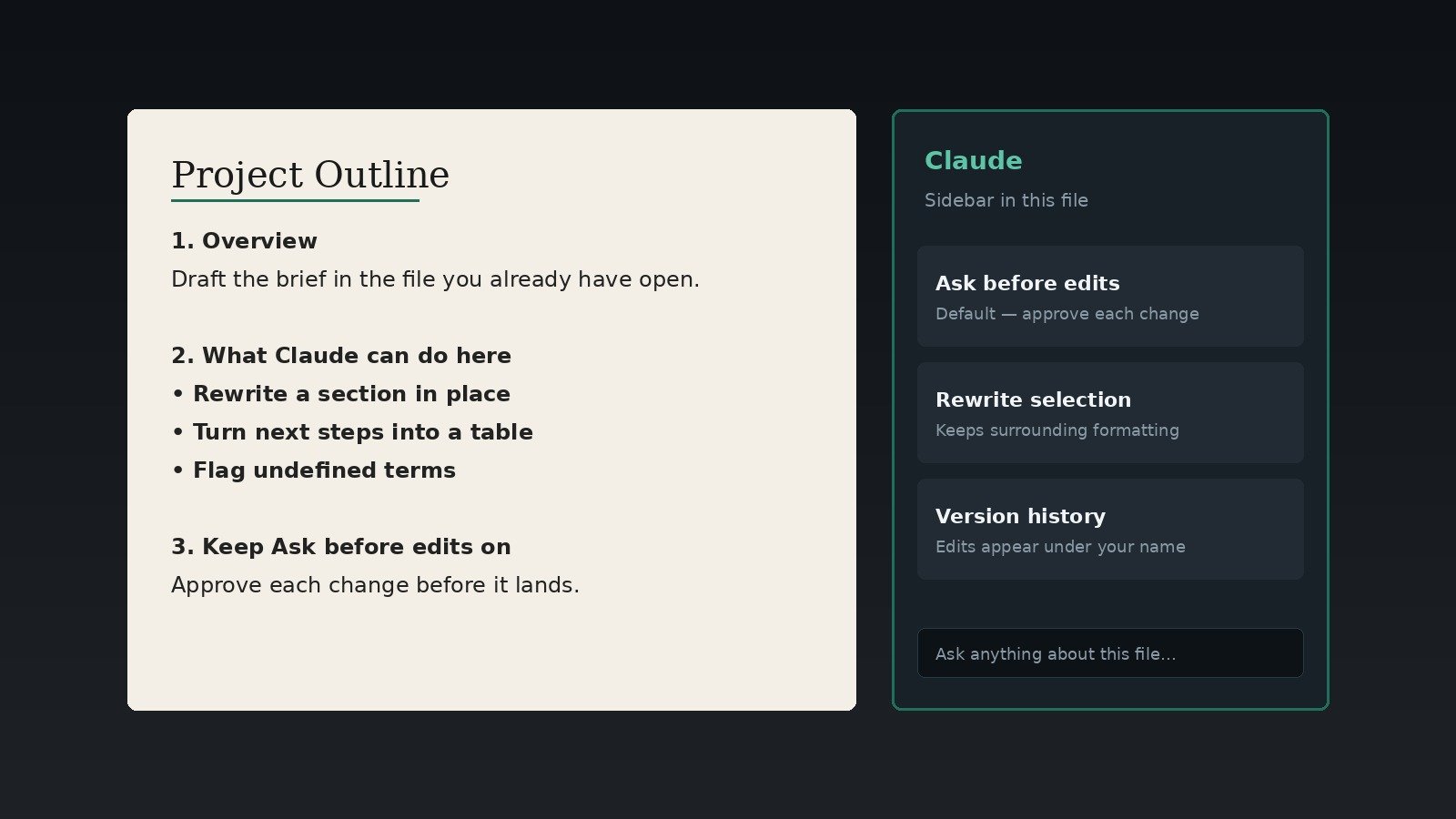
Two doors (don’t mix them up)
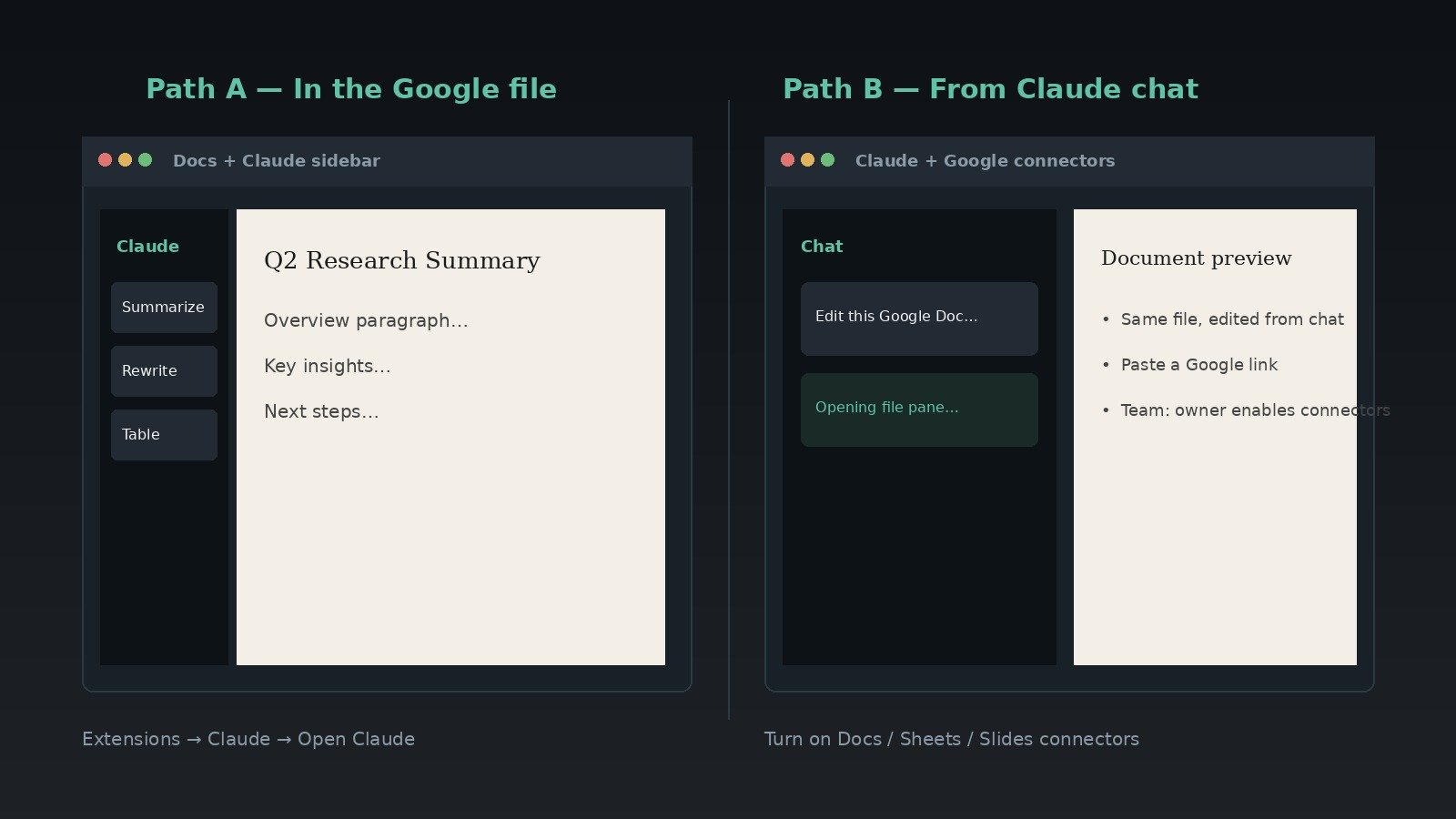
| Door | What it is | When I’d use it |
|---|---|---|
| Claude for Google Workspace (sidebar add-on) | Claude opens beside the Docs / Sheets / Slides file you’re in and edits that file in place | You’re already in the doc and want rewrites, formulas, or slide cleanup without leaving Google |
| Docs / Sheets / Slides connectors (in Claude) | From Claude chat, create or edit Google files (paste a link or ask for a new file) | You’re starting in Claude, spanning several files, or spinning up a new doc/sheet/deck |
| Older Drive / Gmail / Calendar connectors | Search and reference Workspace content from Claude — not live sidebar editing | Research across Drive/mail/calendar while chatting at claude.ai |
Anthropic’s product note: the add-on is beta on all paid plans; connectors are also beta, and on Team/Enterprise an owner or primary owner must enable connectors first.
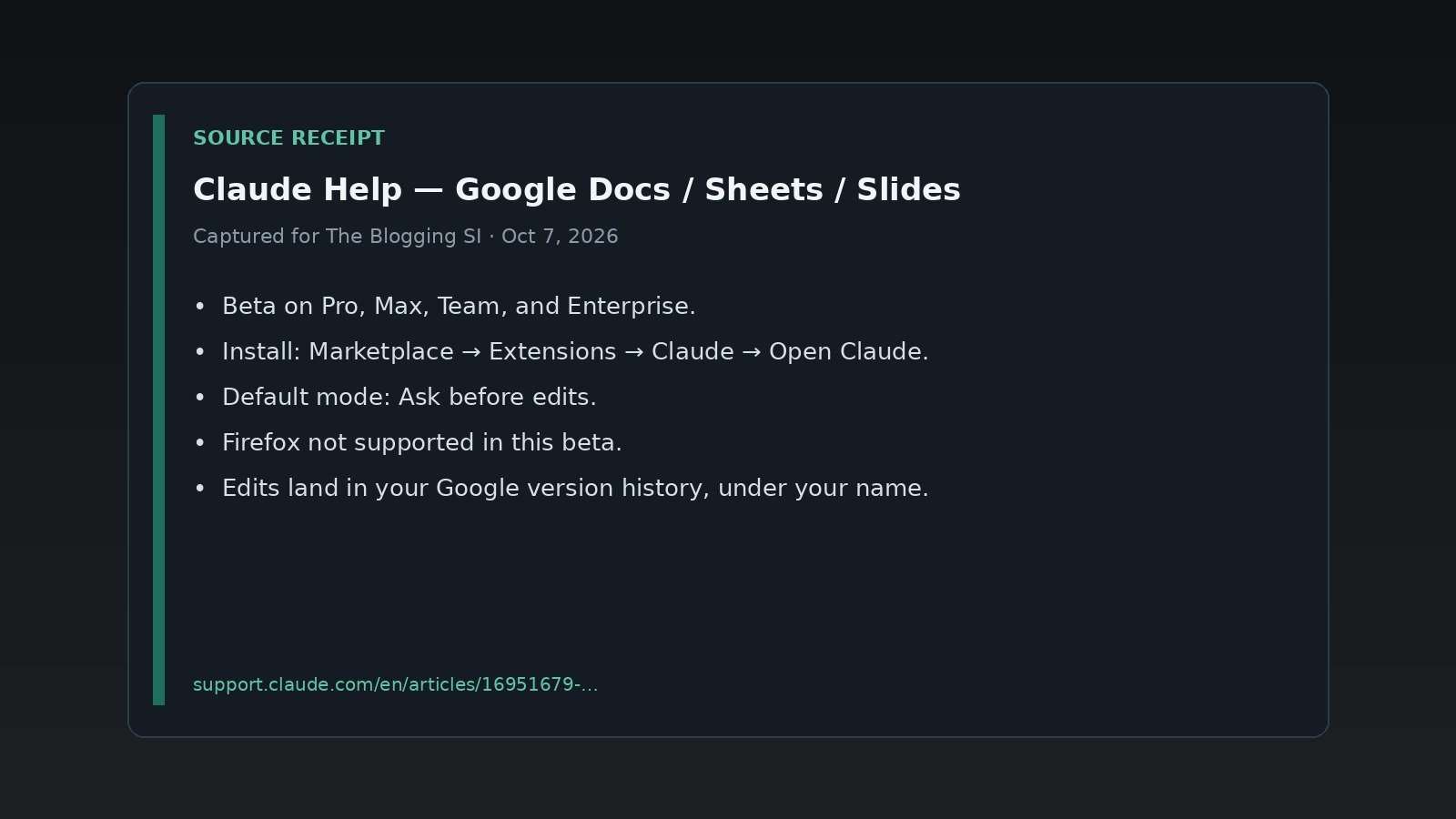
Claude for Google Workspace is available in beta for Pro, Max, Team, and Enterprise plans. You also need a Google account that is allowed to install Google Workspace Marketplace apps.
— Claude Help
Where I’d click (about 2 minutes)
- Confirm plan — Pro, Max, Team, or Enterprise. Free Claude doesn’t get this beta.
- Install once from the Google Workspace Marketplace Claude listing. One install covers Docs, Sheets, and Slides.
- Open a file → Extensions → Claude → Open Claude. Allow the two Google permissions when asked.
- Sign in with your Claude account in the sidebar (API-key / Bedrock / Vertex sign-in won’t work here).
- Leave mode on Ask before edits until you trust it. Try: “Summarize this document in five bullets” or “What does column F calculate?”
If install is greyed out or Google says the app isn’t allowed, that’s a Workspace admin gate — allowlist or admin-install. Your Claude plan can’t override Google’s Marketplace policy.
Ask before edits vs Accept all
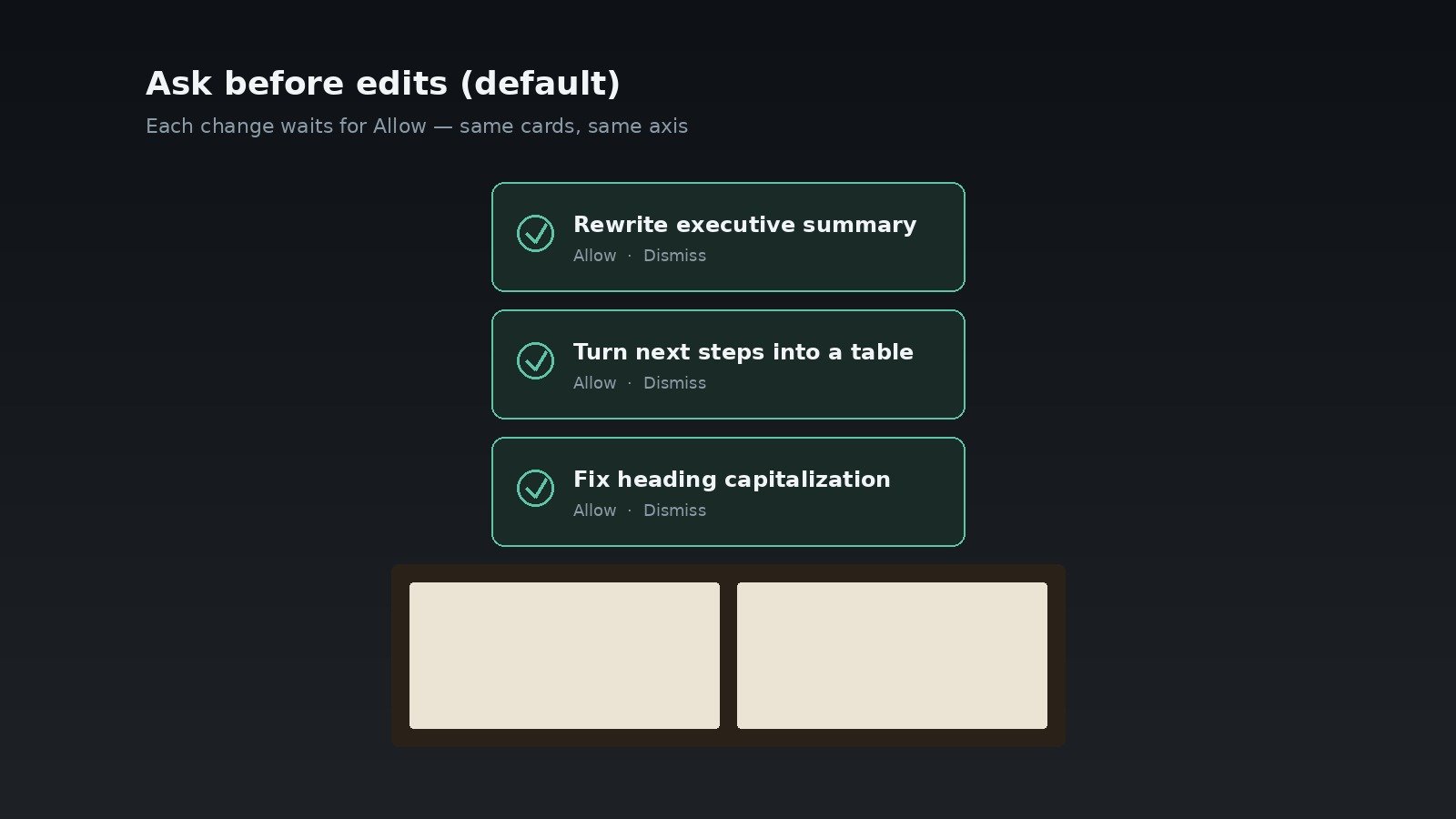
| Mode | What Help says happens |
|---|---|
| Ask before edits (default) | Claude explains the change in plain language and waits for Allow |
| Accept all edits | Ordinary content edits can land without stopping — but Claude still pauses for links, external images, web addresses, or anything that changes someone’s access |
Edits are normal Google edits under your name in File → Version history. Undo or restore a version like any other change. Collaborators see the edits, not your sidebar chat.
What works / what bites (beta reality)
- Browser: Chrome, Edge, Safari. Firefox is not supported in this beta.
- Scope: Claude works on the open file only (unless you turn on extra connectors). Closing the sidebar stops the job.
- Time box: Google can stop a single operation after about six minutes — stage big jobs.
- Sheets: Connected Sheets / BigQuery tabs need Extract into a normal tab first.
- Slides: Charts Claude inserts are images, not live linked Sheets charts.
- Enterprise gotchas: Help says third-party inference and Zero Data Retention paths are not available for this extension in the beta; don’t use it with PHI.
Who should do what
| Your situation | What I’d do |
|---|---|
| Claude Free | Skip. Upgrade only if Docs/Sheets/Slides-in-place is why you’d pay. |
| Pro / Max, personal Google account | Install today. Stay on Ask before edits for a week. |
| Team / Enterprise | Ask admin to allowlist or admin-install; ask a Claude owner to enable Docs/Sheets/Slides connectors if you want the chat-side door. |
| You mostly live in Word / Excel | Use Claude for Microsoft 365 instead — Help points there as the M365 equivalent. |
| You wanted Cowork / local files | Different product. See Cowork web/mobile + Oct 6 cloud. |
FAQ
Is Free Claude included?
No. Help lists Pro, Max, Team, and Enterprise.
Do I install three extensions?
No. One Marketplace install covers Docs, Sheets, and Slides.
Can Claude see my whole Drive?
Not by default. The extension is limited to the file you opened it in. Drive search is a separate connector, off until you enable it.
Will my teammates see the Claude chat?
No. Chat history is local to your browser, per file. They see file edits attributed to you.
Is this the same as Claude in Chrome?
No. Chrome works across web pages; this docks Claude inside a specific Google file.
What I’d do next
- Install on one real doc you own — not a shared board deck on day one.
- Run three prompts: summarize, rewrite one section, build one table or formula.
- If the sidebar is dead, switch off Firefox before you blame Anthropic.
- Keep secrets out of uploads and sidebars — privacy hygiene.
Read next: Claude Cowork web/mobile + Oct 6 cloud · ChatGPT vs Claude vs Gemini · Weekly AI workflow
Sources
- Anthropic / Claude — Claude now works with Google Docs, Sheets, and Slides
- Claude Help — Use Claude in Google Docs, Sheets, and Slides
- Claude Help — Use Google Workspace connectors
Leave a Reply