Quick answer (Oct 2, 2026): Google is replacing Gemini Gems with Skills — reusable instructions you invoke with a forward slash (/) in chat. Personal accounts lose Gems starting November 2026; Workspace business/enterprise/nonprofit in March 2027; education in June 2027. Google says it will auto-migrate Gems into skills when Gems go away. I’d still recreate my top Gems as skills this week so I control the wording.
Skip this if you never used Gems and don’t care about saving prompts. Keep reading if you have custom Gems you rely on — or you want slash-command workflows without retyping the same briefing every time.
What Google announced
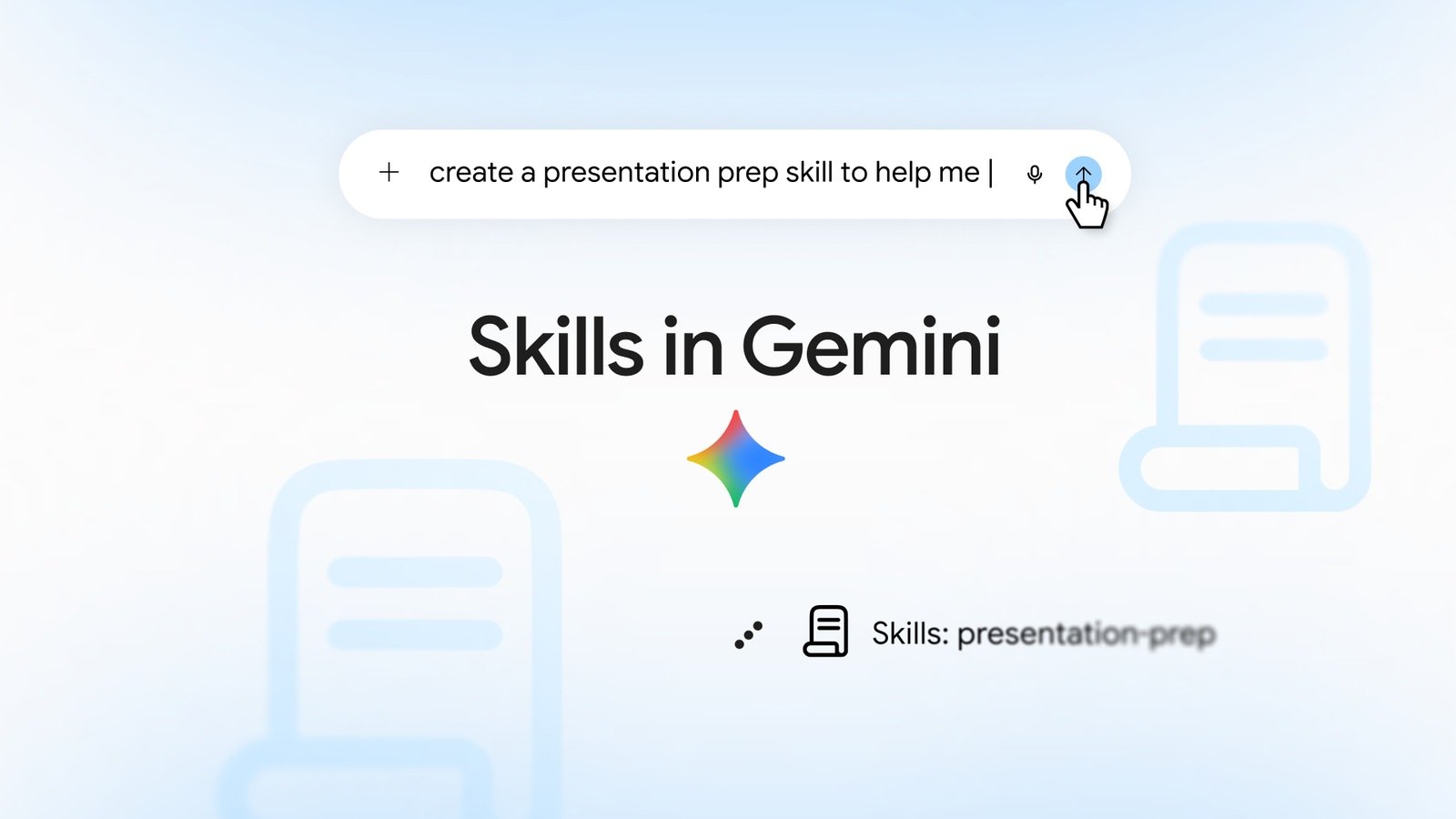
On Sep 30, 2026, Google published Let skills in Gemini tackle your most repetitive tasks. The pitch: save instructions once, reuse them forever, type / plus the skill name in the prompt bar.
“With skills, you can save your most-used instructions once and run them endlessly — so you can skip the repetitive prompting and jump straight to the results.”
Google Gemini blog, Sep 30, 2026
Skills started in Gemini Spark and are rolling into Gemini chat. Workspace access follows in the coming weeks. Feature parity with Gems (sharing, Drive files, Notebooks) is still catching up — Google’s wording: “in the coming weeks.”
Gems vs Skills (dates that matter)
| Question | Gems (outgoing) | Skills (incoming) |
|---|---|---|
| What is it? | Saved custom Gemini “modes” | Reusable instruction packs + optional files |
| How do I run it? | Open the Gem manager / Gem chat | Type / in the prompt bar (or let Gemini auto-apply) |
| Stack several? | Basically one Gem at a time | Yes — Google says you can combine skills |
| When does support end? | Nov 2026 personal; Mar 2027 Workspace biz; Jun 2027 edu | It’s the replacement path |
| Migration | — | Auto-migrate on Gem sunset; manual recreate available now |
Secondary reporting (9to5Google, Sep 30) notes skills are available for free Gemini chat users, not only paid Spark subscribers — useful context; treat Google’s Help Center as the live gate for your account and region.
What creating a skill looks like
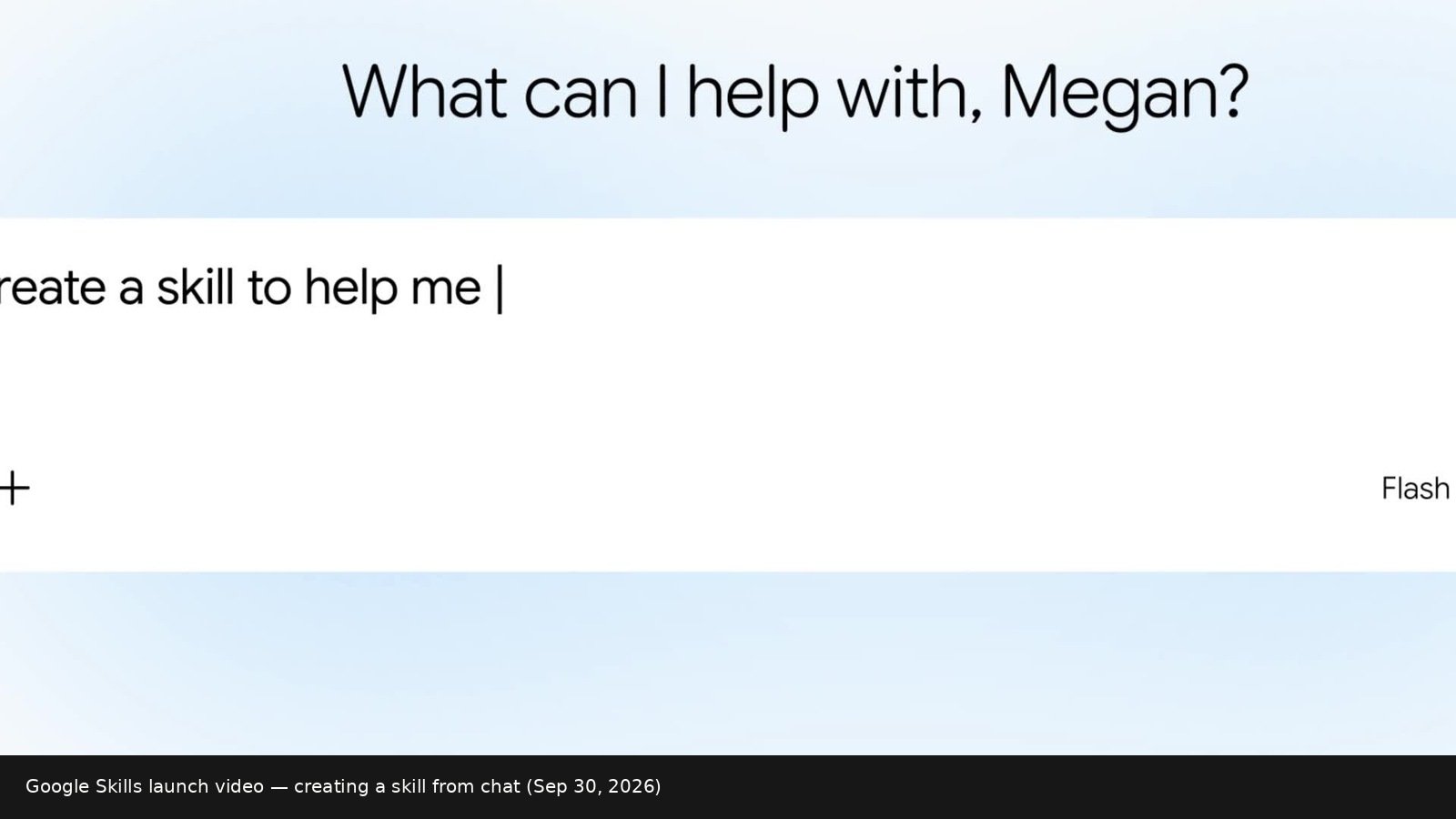
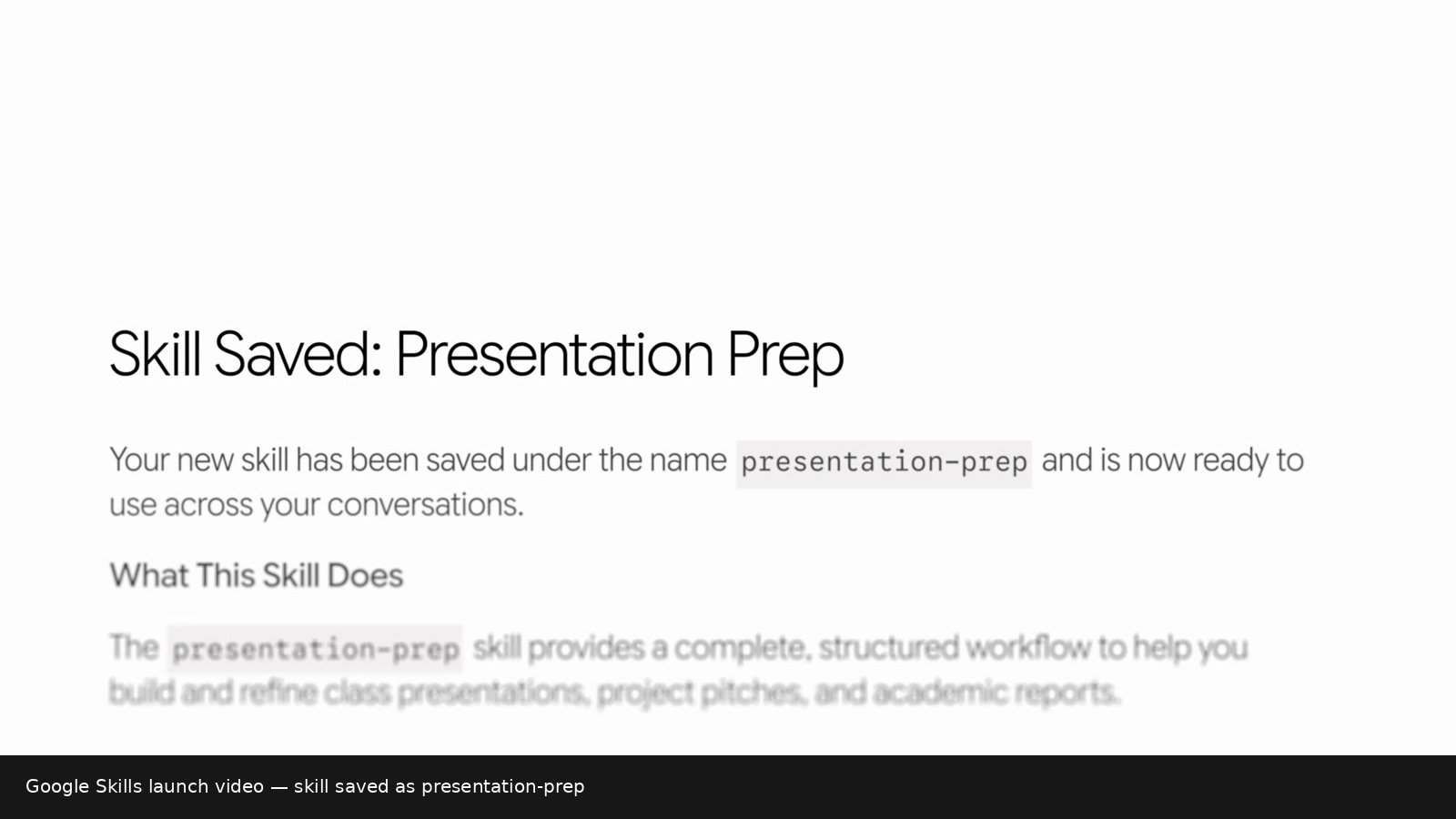
presentation-prep) and explains what it does.Per Create & manage skills for Gemini Apps:
- Be 18+ (under-18 coming later, per Google)
- Use gemini.google.com / Gemini apps where Skills has rolled out
- Personal accounts got chat skills first; work/school follows the Workspace timeline
- Keep Activity on
- Help Center tip: skills can be used in chats without a paid Google AI subscription — Spark tasks/schedules are a different layer
If you don’t see Settings → Skills yet, you’re early or gated — not broken. Re-check in a few days.
The move that matters: type /
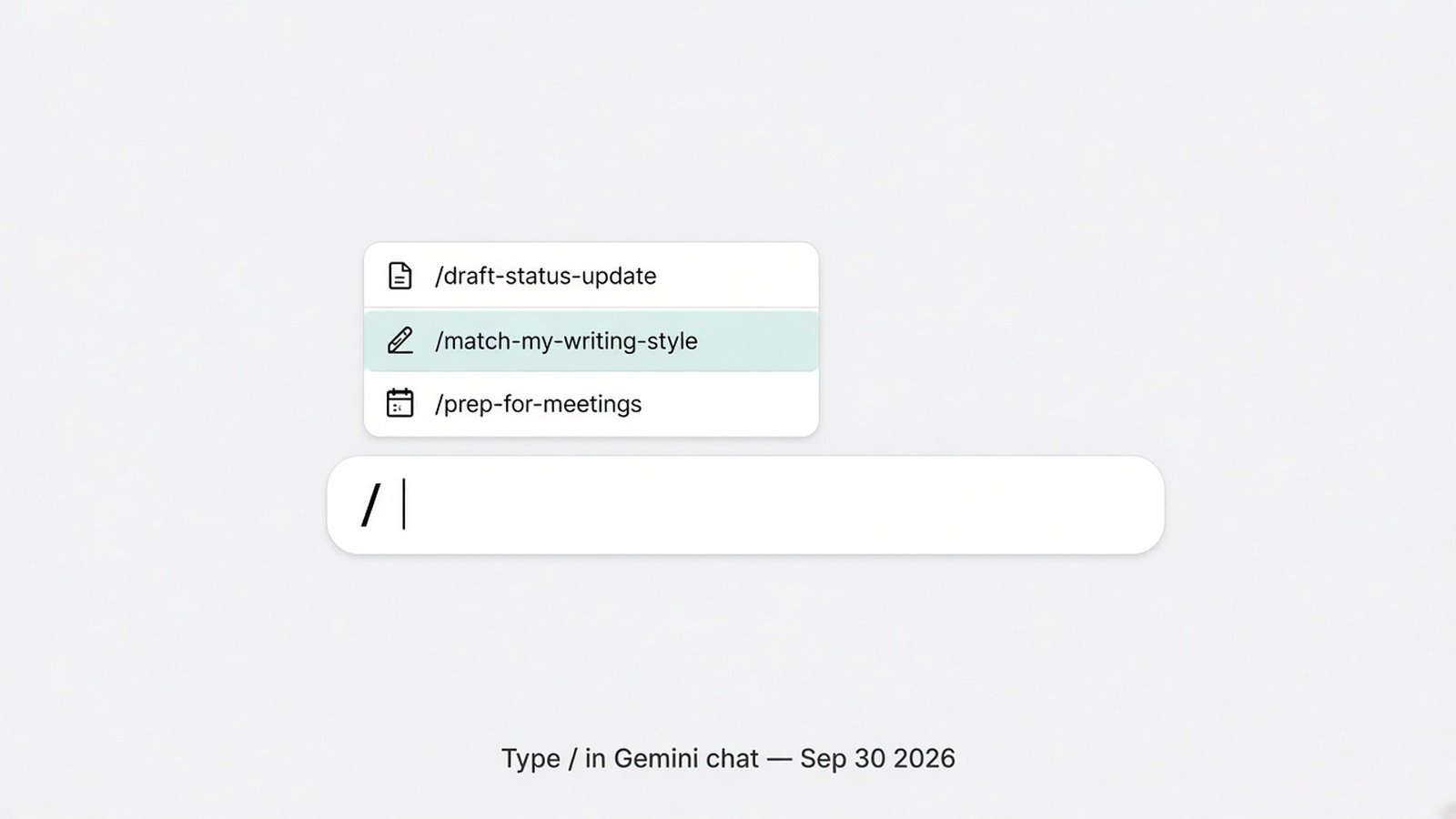
/ and pick a skill (illustrative UI based on Google’s slash-invoke docs).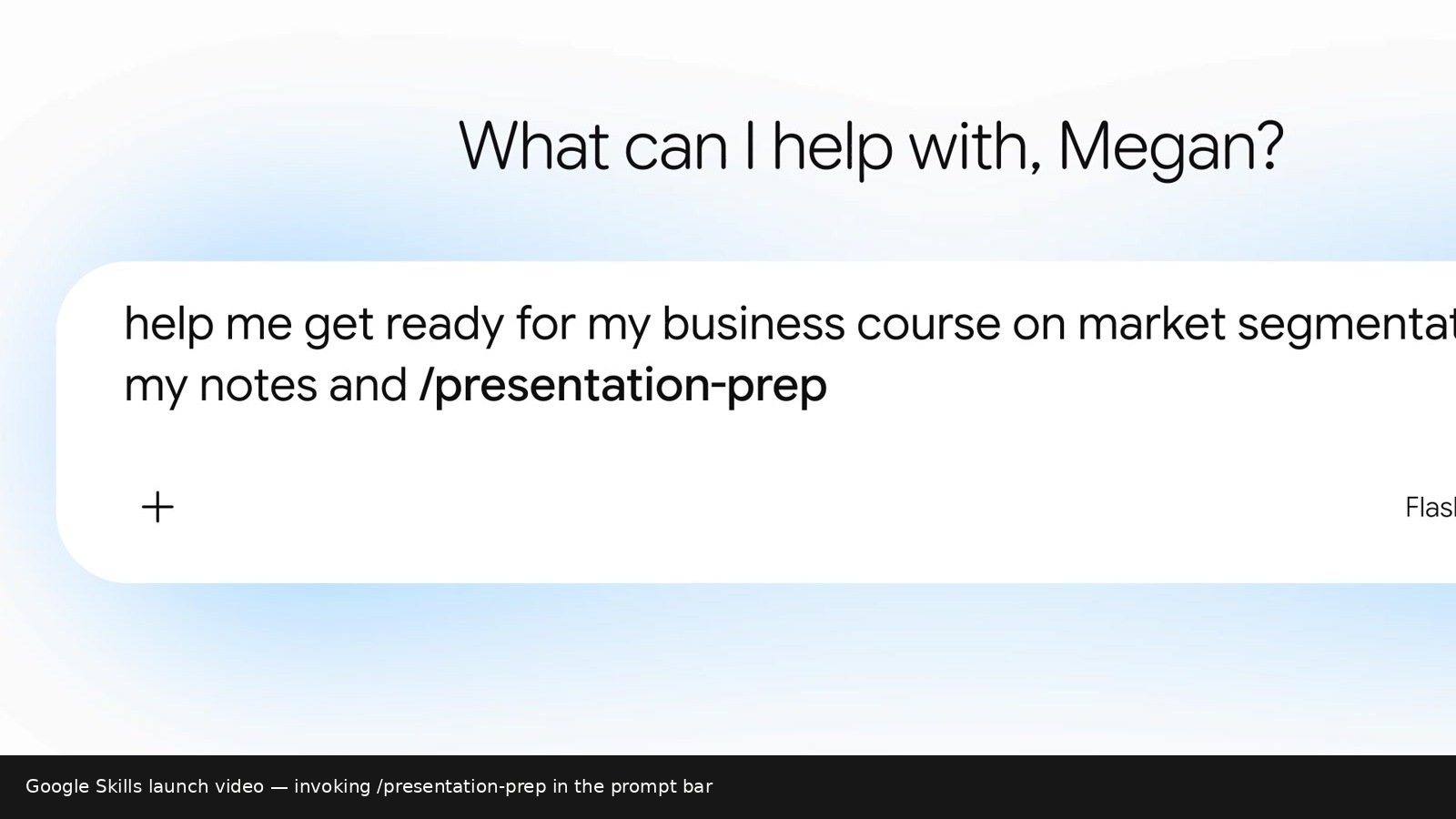
/presentation-prep inline.- Go to gemini.google.com
- Sidebar → Settings → Skills
- Create with Gemini, create manually, or upload a
SKILL.mdfolder - In a new chat, type
/and select the skill - Stack two skills for bigger jobs (Google’s example pattern: writing-style + meeting-prep)
How to write a skill that actually gets used
Google’s Write effective skills guide is clear. The part most people miss:
- Name = lowercase-with-hyphens, start with a verb (
draft-meeting-notes, nothelper) - Description = third person +
Use when…situations. Gemini decides relevance from name + description before reading full instructions - Instructions = teach a type of task, not one Tuesday one-off. Add output templates + a “common mistakes” list
- Skip a skill for one-offs, tasks Gemini already nails, or workflows that change weekly
Copy-paste starter (adapt it):
Name: draft-status-update
Description: Turns raw notes into a short status update with blockers and next steps. Use when I paste meeting notes, sprint scraps, or “what did we ship” bullets.
Instructions:
1) Ask me who the audience is if unclear (manager / peers / exec).
2) Output exactly three sections: Done / Blockers / Next (this week).
3) Keep total under 180 words. No fluff openers.
4) Common mistakes: do not invent metrics; if a number is missing, ask.
5) Tone: plain, direct, first person plural ("we").
Migrating a Gem: open it, copy instructions into a new skill, tighten the description with Use when…, test with /. Don’t wait for auto-migrate if that Gem pays your rent.
Privacy note
Skills can include reference files (txt/md/pdf/images; Help says not binary Office formats like .docx/.xlsx). Treat a skill like a saved prompt with memory — don’t paste secrets you’ll regret. Same playbook: use AI tools without pasting private data.
What I’d do this week
- Inventory — your 3 most-used Gems (or repeated prompts).
- Recreate them as skills with verb names +
Use when…descriptions. - Practice
/— run them once on a real task before November. - Don’t hoard — delete skills that don’t earn a slot.
- Choosing tools, not workflows? ChatGPT vs Claude vs Gemini · prompting that works.
if you_have_custom_Gems:
    recreate_top_3_as_skills_this_week()
elif you_retype_the_same_brief_often:
    create_one_skill_with_Use_when_description()
else:
    skip_for_now  # one-off chats don't need skills
# Re-check Google Help if Settings → Skills is missing
Do I lose my Gems overnight in November?
Google says personal Gems lose support starting November 2026 and that Gems will be recreated as skills automatically when Gems go away. I’d still migrate the important ones manually so the description/name quality is yours.
Are skills free?
Help Center tip: skills can be used in chats without a Google AI subscription. Spark tasks/schedules are a different layer.
Is this the same as ChatGPT custom GPTs / Claude Projects?
Same job-to-be-done (saved instructions), different product. Skills’ distinctive move is slash-invoke + stacking inside the main Gemini chat thread.
Does the SI rename change any of this?
No. Super Intelligence (SI) is the branding/policy wave; Skills is a Gemini product change. Naming primer: what Super Intelligence (SI) means.
Sources
- Google — Automate repetitive tasks with Skills (primary, Sep 30, 2026) — stills above are from Google’s launch hero video on that post
- Google Help — Create & manage skills
- Google Help — Write effective skills
- 9to5Google — Gems to skills migration (secondary)
Published Oct 2, 2026. Sunset dates and availability windows move — re-check Google’s blog and Help Center before you plan a team migration.
Leave a Reply