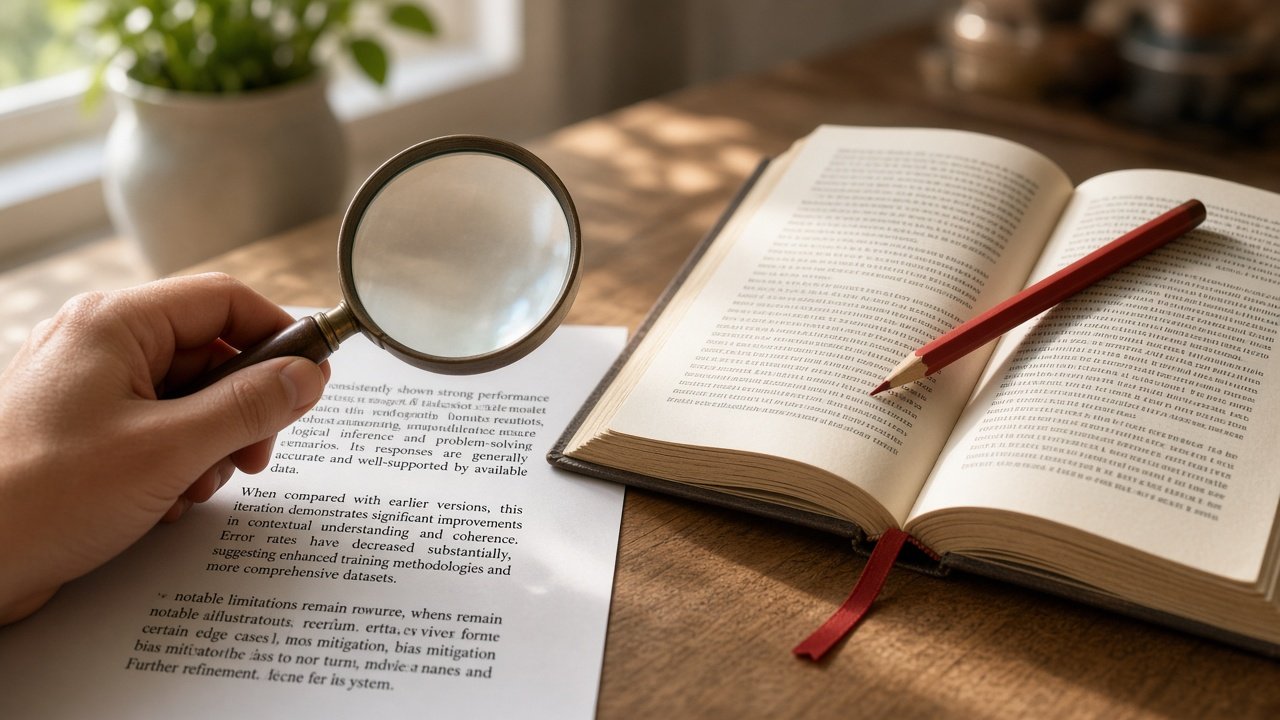
Quick answer: Treat ChatGPT, Claude, and Gemini as a first draft with leads, not a final source. Break the reply into claims, open any citation yourself, and check that the page exists and supports the exact number, date, quote, or conclusion. Vendors say the same thing in their own Help docs: confidence is not reliability, and links can be incomplete, outdated, or wrong.
Skip this if you’re only brainstorming wording or sorting your own notes. Keep reading if the answer will touch money, health, law, school work, citing a “study,” or anything you’d be embarrassed to defend in a meeting.
Why fluent answers still fail
All three major chat apps can sound finished while being wrong. That pattern — often called a hallucination — is not a rare glitch they pretend never happens. It’s documented in their own support pages.
- OpenAI: ChatGPT can invent quotes, studies, citations, and nonexistent sources, and may sound confident while wrong. Use it as a first draft; verify important information; when Search or Deep research cites sources, open the links yourself.
- Anthropic: Claude can produce incorrect or misleading responses, including convincing-looking quotes that aren’t grounded in fact. Don’t treat Claude as a singular source of truth on high-stakes advice. With web search, review the cited originals — synthesis can miss context or misread a page.
- Google: Gemini Apps may produce inaccurate information; Gemini can hallucinate and even misrepresent how it works (including how it cites sources). Don’t rely on Gemini for medical, legal, financial, or other professional advice; double-check responses about people.
Search results and citations can be incomplete, outdated, or incorrect. Open a cited source to check that it supports the answer…
— OpenAI Help, Searching the web with ChatGPT
Users should not rely on Claude as a singular source of truth and should carefully scrutinize any high-stakes advice…
— Claude Help, Incorrect or misleading responses
Search features help, but they don’t retire your brain. Claude’s web-search Help still tells you to cross-reference and use authoritative sources for critical decisions. Google’s AI Mode / Gemini guidance: check important info in more than one place and click the linked sources.
When I’d skip chat for facts
Don’t argue with the model when you need a live or high-stakes number. Go straight to a primary page (or a human) for:
- Today’s prices, rates, scores, flight status, “is X open right now”
- Medicine dosing, symptoms, “should I…?” health calls
- Contract / tax / immigration interpretation you’ll act on
- Anything where a wrong digit costs money or trust
Chat is fine for framing the question. It’s a bad final clock, calculator, or clinician.
A 5-minute fact-check loop
- Split claims. Highlight every sentence that asserts a fact: a date, number, name, quote, “study shows,” price, legal rule, medical claim.
- Rank by blast radius. Verify anything you’d paste into a report, email a client, or act on with money/health/legal consequences. Soft opinions can wait.
- Demand receipts in the chat. Ask: “Cite only sources you can open. Put the link after each factual claim. Separate evidence from your inference. Say ‘I could not verify’ instead of guessing.” Then use Search / web search / Deep research when the topic is current.
- Open the source. Existence check first (page loads, title/authors match). Then entailment: does this page actually support this sentence, or only the same topic?
- Second source for high stakes. One vendor Help page or one news blurb is not enough for consequential claims. Prefer primary docs (statute, company Help, paper PDF, official stats).

Worked example (2 minutes)
Say the chat answers: “A 2024 Nature study by Chen et al. found that nightly ChatGPT use cuts student anxiety by 37% (https://nature.com/articles/fake-anxiety-37).”
| Check | What you do | Result in this example |
|---|---|---|
| Split claims | Venue (Nature), year (2024), authors (Chen et al.), effect (−37%), nightly ChatGPT | Five checkable facts, not one vibe |
| Existence | Open the URL / search the exact title + authors | Link 404s or title never appears → stop; do not cite it |
| Entailment | If a real paper exists, find the −37% and “nightly” wording | Paper is about sleep apps, not ChatGPT → citation fails even if the DOI is real |
| Second source | Only if you’d put this in a brief: publisher page + a second summary or the PDF tables | No honest second source → drop the claim |
That’s the whole job: existence, then exact support. A confident paragraph with a blue link can fail either test.
Stronger move: paste the source, then ask
When school or work citations matter, don’t ask the model to “find studies.” You find (or upload) one real document first, then constrain the chat:
- Open the PDF / Help page / statute yourself and confirm it’s the right doc.
- Upload or paste the excerpt you’re willing to share (see privacy rules).
- Prompt: “Answer only from this document. Quote the supporting sentence. If it isn’t in the text, say so.”
- Still spot-check the quote against the file — models can mis-summarize a real page.
Paste-source prompt:

"Use only the document I attached / pasted below.
For every factual claim, quote the supporting sentence and note the section or page if visible.
If the document does not support the claim, say 'Not in source' — do not browse or invent citations."
What “good enough” looks like by job
| You’re doing… | Minimum check | I’d stop and dig deeper if… |
|---|---|---|
| Rewriting your own notes / tone polish | Skim for invented “facts” you didn’t provide | It adds numbers, quotes, or “according to…” you never gave it |
| Everyday how-to (software UI, cooking, travel ideas) | Confirm one primary Help/docs page or a second reputable write-up | Steps don’t match the product you see, or dates look stale |
| Work brief / client email with stats | Open every cited link; copy numbers from the source, not the model | Link is paywalled, off-topic, or the number only appears in the chat |
| School or research citation | Find the paper/book yourself (title, authors, year, DOI); never trust a fabricated reference list | DOI/link fails, authors don’t match, or the quote isn’t on the page |
| Health, legal, money, safety | Primary authority + professional advice — chat is not counsel | The model volunteers a diagnosis, contract interpretation, or “guaranteed” return |
Red flags that mean “verify before you share”
- A neat bibliography for an obscure paper you can’t find anywhere else
- “Studies show…” with no named study, journal, or year
- Exact quotes with no transcript, page, or primary URL
- Numbers that change when you ask the same question twice
- Current events answered with zero search citations
- The model explaining its own inner workings in definitive detail (Gemini Help specifically warns it can misrepresent how it cites sources or gets fresh info)
- Screenshots, charts, or “I found this image” claims — treat visuals like text: open the original page; labels and attributions can be wrong too
Prompt I actually reuse:

"Answer using only sources you can open (or that I paste).
After every factual claim, add a citation link.
Label inference separately from evidence.
If you can't verify, say so — do not invent a study, quote, or URL.
Prefer primary sources over secondary summaries."
Tool cheat sheet (when accuracy matters)
| App | Turn on / look for | Still do this |
|---|---|---|
| ChatGPT | Search or Deep research; open citation previews / Sources panel | Visit links; OpenAI says citations can still be wrong |
| Claude | Web search (or Research when you need a multi-source pass) | Read the originals; synthesis can drop context |
| Gemini | Click linked sources; try alternate phrasings of the question | Don’t treat it as professional advice; double-check people facts |
None of this replaces privacy hygiene. If you’re pasting documents into a check, follow the same rules as using AI without pasting private data.
FAQ
Can I just ask a second AI to fact-check the first?
Useful as a second opinion, not proof. Two models can share the same wrong folklore. Open the primary source.
If there’s a blue link, am I safe?
No. A real URL can be the wrong page, an outdated page, or a page that only vaguely relates to the claim. Entailment > existence.
I told it not to invent sources — why would I still check?
Because instructions are soft. Models still invent plausible titles and links; OpenAI’s own accuracy Help lists fabricated citations as a failure mode. “Don’t invent” lowers the odds; it doesn’t replace opening the page.
Should I turn search off?
For pure drafting from your notes, search can add noise. For anything time-sensitive, turn it on — then still open the citations.
What about code the model writes?
Run it, read it, and treat licenses/citations seriously. Vendor Help (including Gemini) puts responsibility for generated code on you.
What about images or screenshots in the answer?
Same loop. Confirm the image’s source page, date, and whether the caption matches what you’re claiming. A sharp graphic is not evidence by itself.
What I’d do next
- Pick one recent AI answer you almost trusted. Run the 5-minute loop on three claims — or replay the worked example on a real reply.
- Save both prompts above in a Project or note so you don’t reinvent them.
- For better first drafts before the check, use prompting that actually works.
- For the weekly rhythm that includes a verify step, see research → draft → edit.
Read next: Privacy before you paste · Prompting that works · Weekly AI workflow · Start Here
Sources
- OpenAI Help — Does ChatGPT tell the truth?
- OpenAI Help — Searching the web with ChatGPT
- OpenAI Help — Deep research in ChatGPT
- Claude Help — Incorrect or misleading responses
- Claude Help — Enable and use web search
- Google Gemini Apps Help — Learn about responses
- Google Gemini Apps Help — Learn about generative AI
- Google Search Help — AI Mode
Updated Oct 8, 2026. Product Search/Research UIs move; the verify loop doesn’t.
Leave a Reply